
Files & downloads
Your free book cover templates
Six Microsoft Word cover templates, free, right below. Download them first. Everything further down this page is optional, and all of it is free too.
Unzip the folder, then open a template in Microsoft Word. It's a 280 MB file, so download it on a computer, not your phone. Save a working copy before you change the title or artwork.
Watch the template tutorial · Read the free cover design guide (PDF)
Trouble opening the files? See the support page.
Free video course
Seven free lessons on using the templates
Watch them in order if you're new to cover design, or skip to the one you need.

Lesson 17 Must-Have Qualities for a Cover that Sells
Three strategies, a 10-step checklist, and the most important rule of book design.

Lesson 2Cover Design Basics
Where to get fonts and images without asking for a lawsuit.

Lesson 3Getting Started
Installing the templates, and researching your genre so the cover attracts the right readers.

Lesson 4Finding & Using Images
The best cheap places to find royalty-free stock photos that won't get you in hot water.
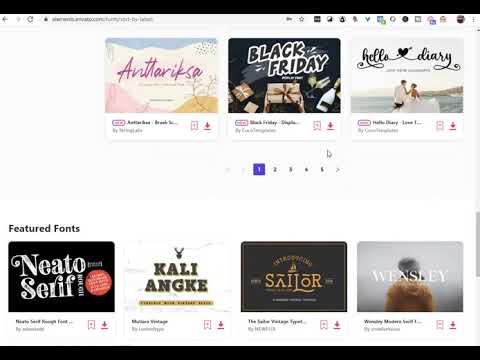
Lesson 5Adding Text & Fonts
Fonts tell readers the genre and how professional the book is. Don't just slap some text on.
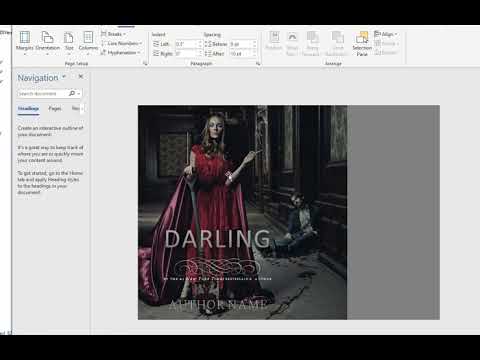
Lesson 6Making a Full Print Cover
Working out the spine width and making print-ready PDF files.

Lesson 7Promotion and Book Marketing
Once the book is for sale, you need reviews, fans and visibility. This is where to start.
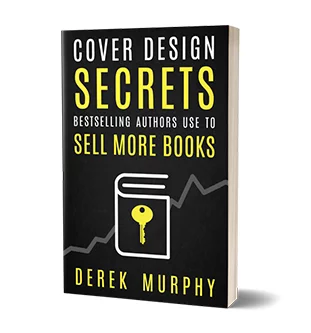
Free cover design guide
Cover Design Secrets That Sell is my book on choosing images, fonts and genre signals. Read it before you finish your cover.
Read the free guide (PDF)Free tools
Two tools to try once you have a draft
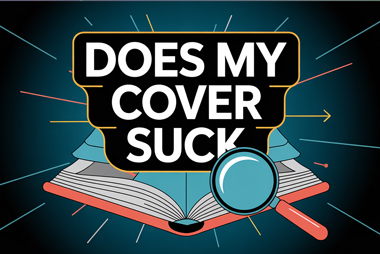
Does your book cover suck?
Got a concept or a basic cover? The cover critique tool gives you instant feedback, and tells you whether it's good enough to sell your story.
Get free feedback
Book cover generator
For over a decade, my templates have been the affordable way for indie authors to make their own covers. The generator is the newer, one-click way.
Try the generatorDon't risk the same cover as everyone else
Your book deserves a cover that looks like it
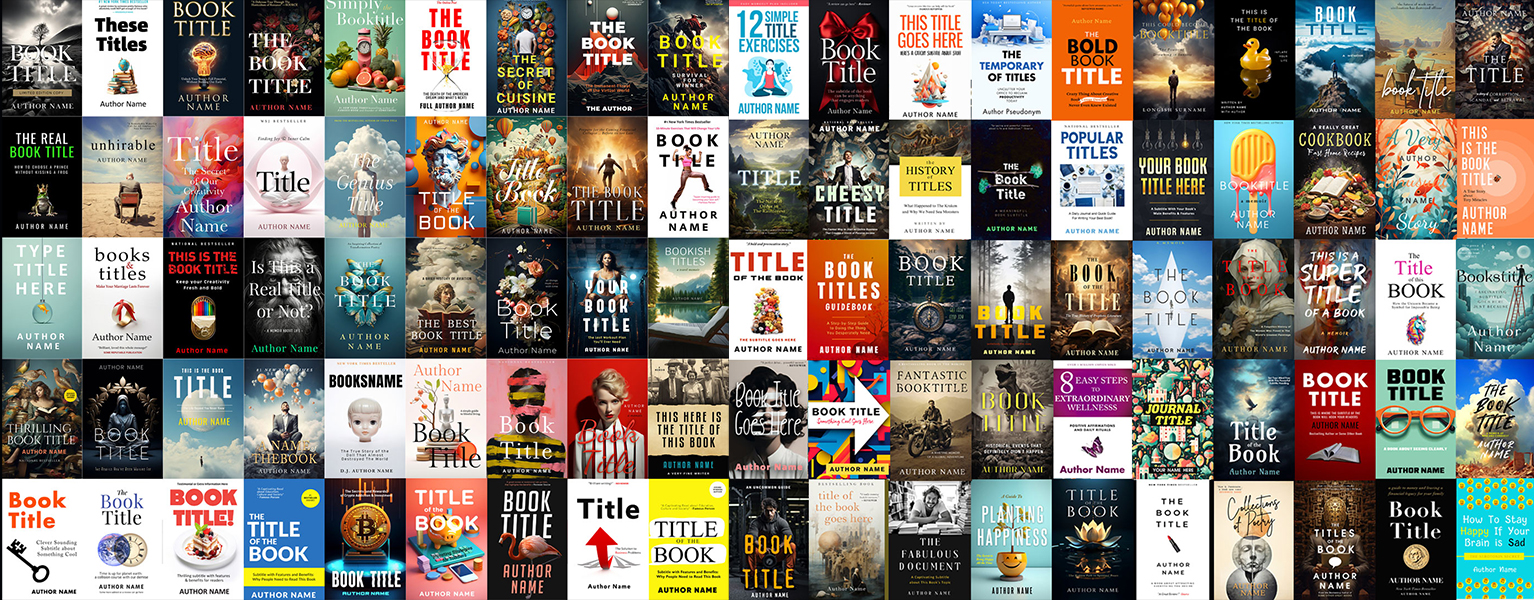
These six free templates have been downloaded thousands of times. They're training wheels, not finished covers: publish one as-is and your book can end up looking like somebody else's. The DIY Book Design & Formatting Bundle gives you 150 editable Word cover templates (80 fiction, 70 nonfiction), so you can start from a layout that already fits your genre and make it yours.
Also included: interior formatting templates for Word and InDesign, launch graphics, and five courses:
- 150 editable Word cover templates
- Cover Design Secrets that Sell
- DIY Book Formatting for Print and Ebook
- How to Self-Edit Your Book
- Reach Your Readers (Original): author platform, email lists, Amazon basics
- Reader Seduction (Your First 1000 Fans)


About the designer
Derek Murphy
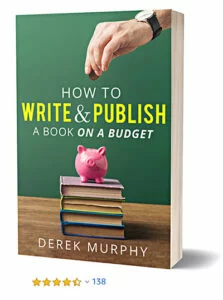
I spent a decade in a library getting my PhD in Literature, and spent most of that time reading Paradise Lost and helping authors publish better books, as an editor and cover designer. I have a lot of free resources, but you can start with these two books. Click a cover to download it.
Make the free templates your own
The free pack gives you six Word cover templates. The $39 bundle gives you 150, plus interior formatting templates and five courses to help you choose one, customize it and get the book ready to publish. Pay once and start right away.
Get the $39 bundle150 Word templates + five coursesQuestions
How do I open the templates?
Download the ZIP file and unzip it on your computer. You'll need Microsoft Word to open the Word files, and Photoshop only for the optional .psd files.
Can I grab any images from the internet?
Absolutely not, but there are lots of royalty-free options if you know how to search. In the videos I share a trick for finding a photo's original owner or license info.
Can I use the images and fonts in the templates?
No. These templates are training wheels to help you get started. You'll need to replace the images and artwork to make it work. I'll show you where to find stock photos, or how to generate AI art, and you can blend the layers together in my free online tool.
What if I can't find any templates I like?
If you like the idea and understand the process, you'll find a much wider choice in the bundle above: 150 cover templates instead of six. You can upgrade whenever you're ready.
Can I hire you to design my book?
I've trained a team of designers to take over my workload and work with clients, so now I'm more of a creative director than a designer, but all our work is guaranteed. You can see our portfolio at www.creativindiecovers.com.
How do I publish and market my book?
That's a huge topic, and I have a lot of articles on www.creativindie.com, but the free book and videos above cover the basics. If you're ready to get more serious and need book marketing or launch help, I have courses and a coaching program too.